Using one-time passcodes (TOTP) on iOS
PingOne iOS
When a user signs on from an accessing device, the sign-on screen can offer a one-time passcode as the MFA method. Your app generates the current OATH passcode on the paired mobile device and displays it, and the user types it into the sign-on screen on the accessing device to complete the authentication.
These passcodes are time-based (TOTP). The app and PingOne both derive the code from the current time and a shared secret, so the two always agree on the valid code without communicating.
A code is only valid for a short time before it rotates to the next one, which means an intercepted or mistyped code quickly becomes useless.
Passcodes work even when the device has no network connection or when push notifications are not available, which also makes them a good backup for push authentication.
Prerequisites
-
A device paired with PingOne MFA. See Pairing in a DaVinci flow or Pairing with a QR code or pairing key.
-
The PingOne MFA policy on the accessing device’s sign-on configured to use OATH one-time passcodes.
Generating TOTP one-time passcodes
To generate a TOTP one-time passcode, call getOneTimePasscode():
do {
    let otp = try await PingOneMFA.getOneTimePasscode()
    showCode(otp.code, otp.secondsRemaining)
} catch {
    print("OTP failed: \(error.localizedDescription)")
}
The function is async throws and returns an OtpCodeInfo:
| Field | Type | Description |
|---|---|---|
|
String |
The current TOTP passcode to display, typically six digits. |
|
Int |
Seconds until the code expires. When the value reaches 0, call |
Displaying the passcode with a countdown
Because the passcode rotates, you can display it together with its remaining validity and generate a new one when it expires:
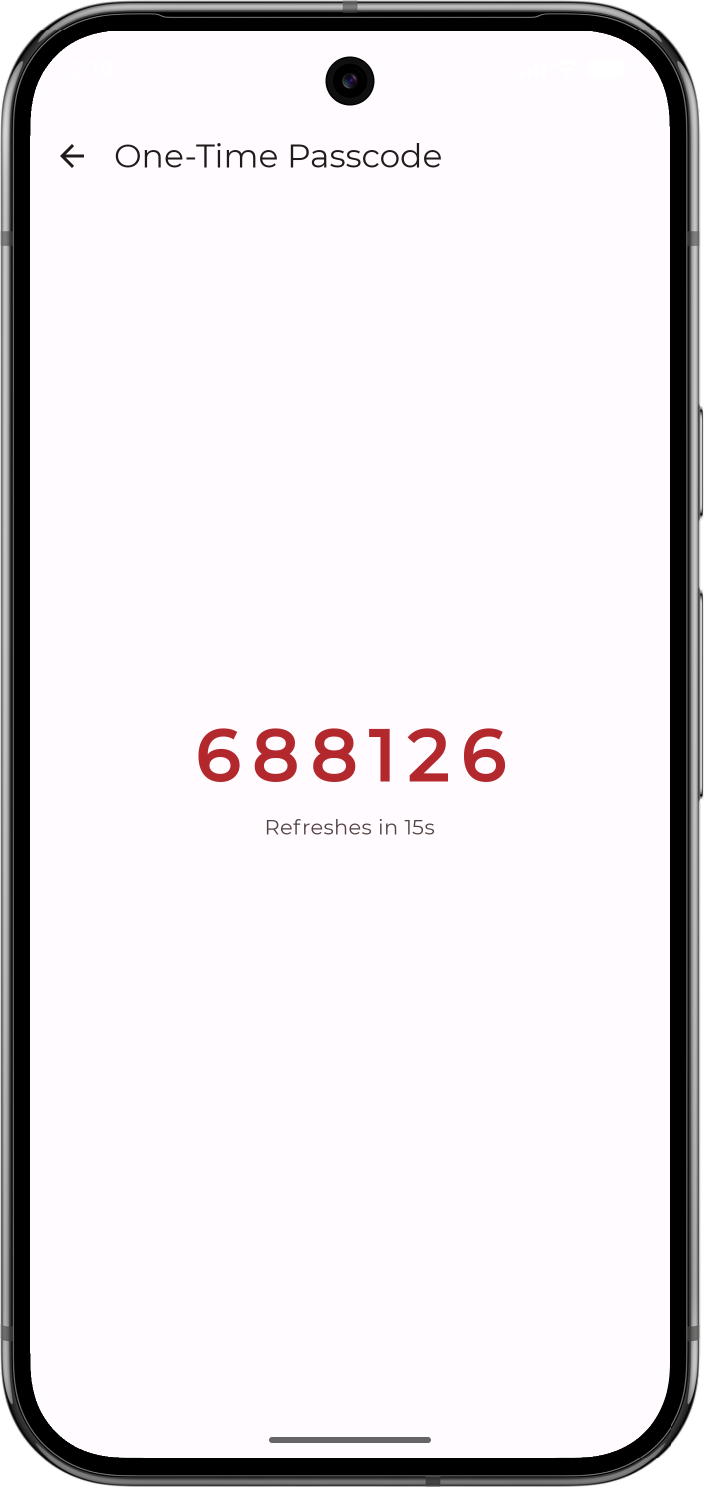
The secondsRemaining field tells you when to refresh:
-
When
secondsRemainingreaches0, callgetOneTimePasscode()again to get a fresh passcode. -
A countdown next to the code helps the user know how long they have to enter it.
To see which accounts the paired device authenticates for, see Viewing paired accounts.