Step 3. Test the app
PingOne JavaScript
After completing the previous steps you can run the app end-to-end to see the flow.
-
Ensure that the client and API apps are running, and that you have the dependencies installed:
-
In a terminal window, navigate to
sdk-sample-apps -
Install the dependencies by using
npm:npm install -
Build and run both the TODO API server app, and the ReactJS client app:
npm run start:reactjs-todo-oidc
-
-
In your browser, empty the local storage and cache, and then visit the home page of the client app.
The default URL is https://localhost:8443.
The browser displays the initial page of the client app:
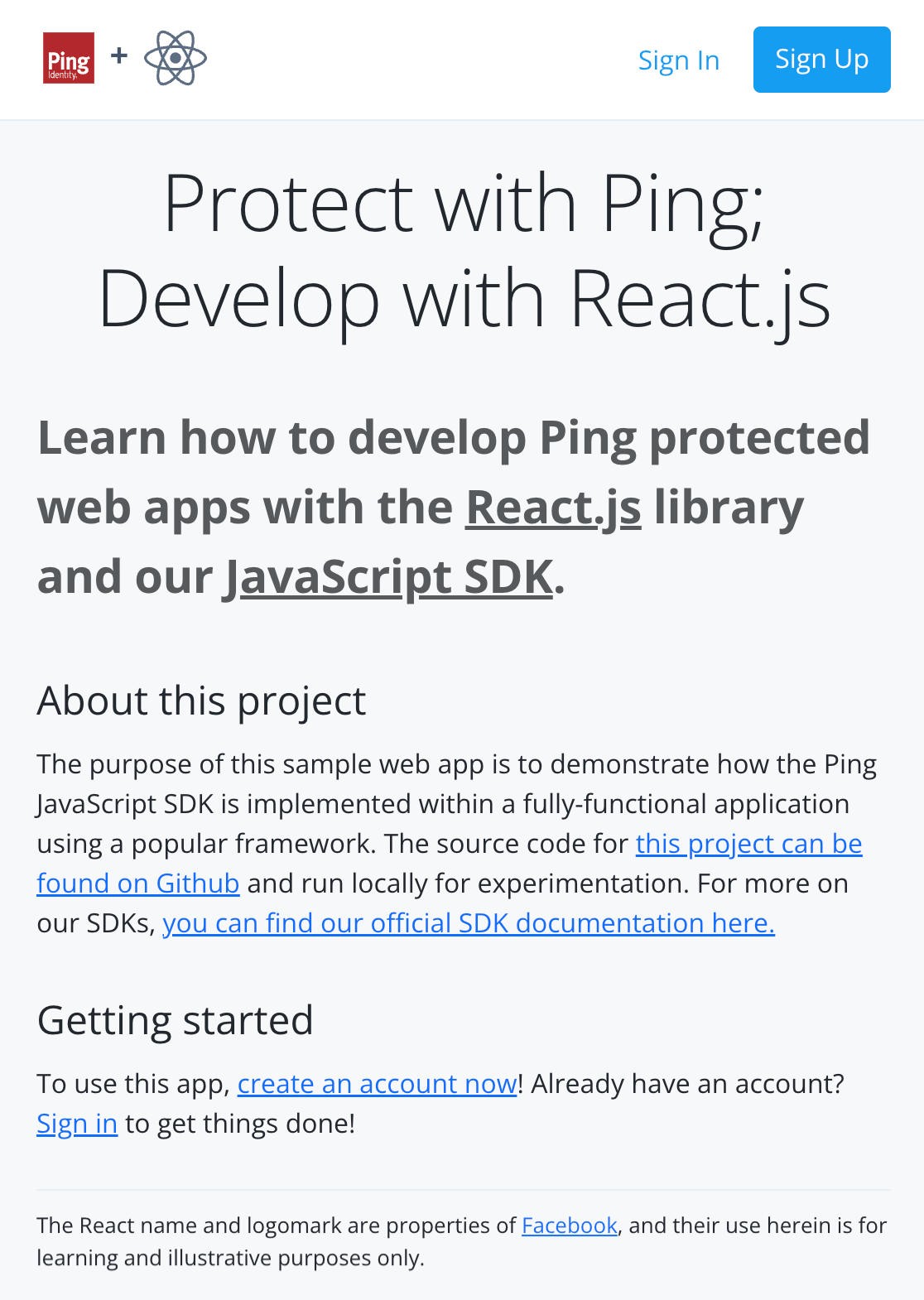 Figure 1. Screenshot of the home page
You may need to dismiss warning from your browser about the self-signed certificate the client app uses. -
Click Sign In, and enter the credentials of your demo user.
The app displays a welcome message, and outputs the user name as retrieved from the
/userinfoOAuth 2.0 endpoint.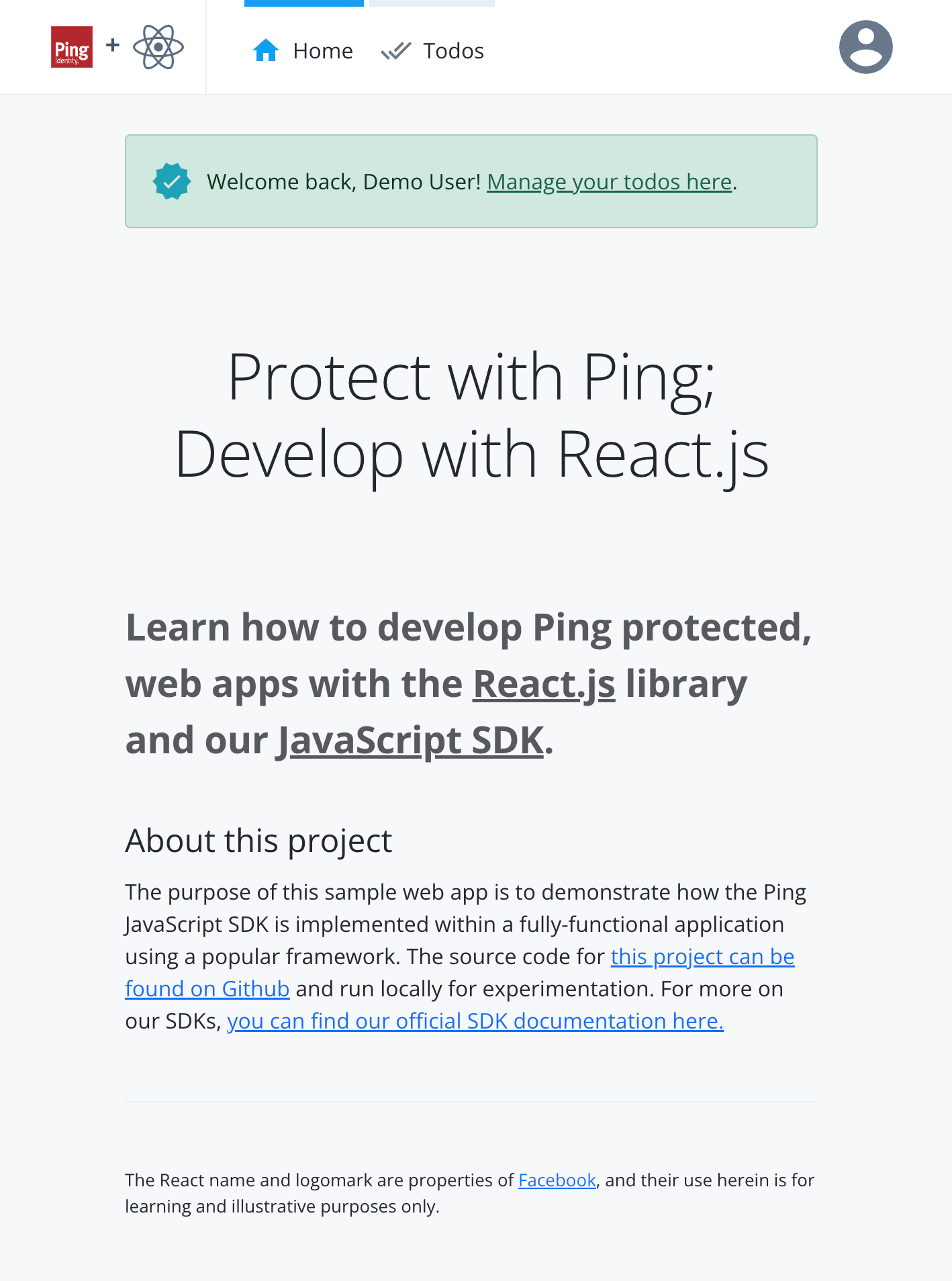 Figure 2. Screenshot of a user signed in to the home page
 -
Click Todos.
The app opens the protected
/todosroute and inserts the access token as a bearer token in the authorization header. If the access token is valid the app displays an empty list of todo items.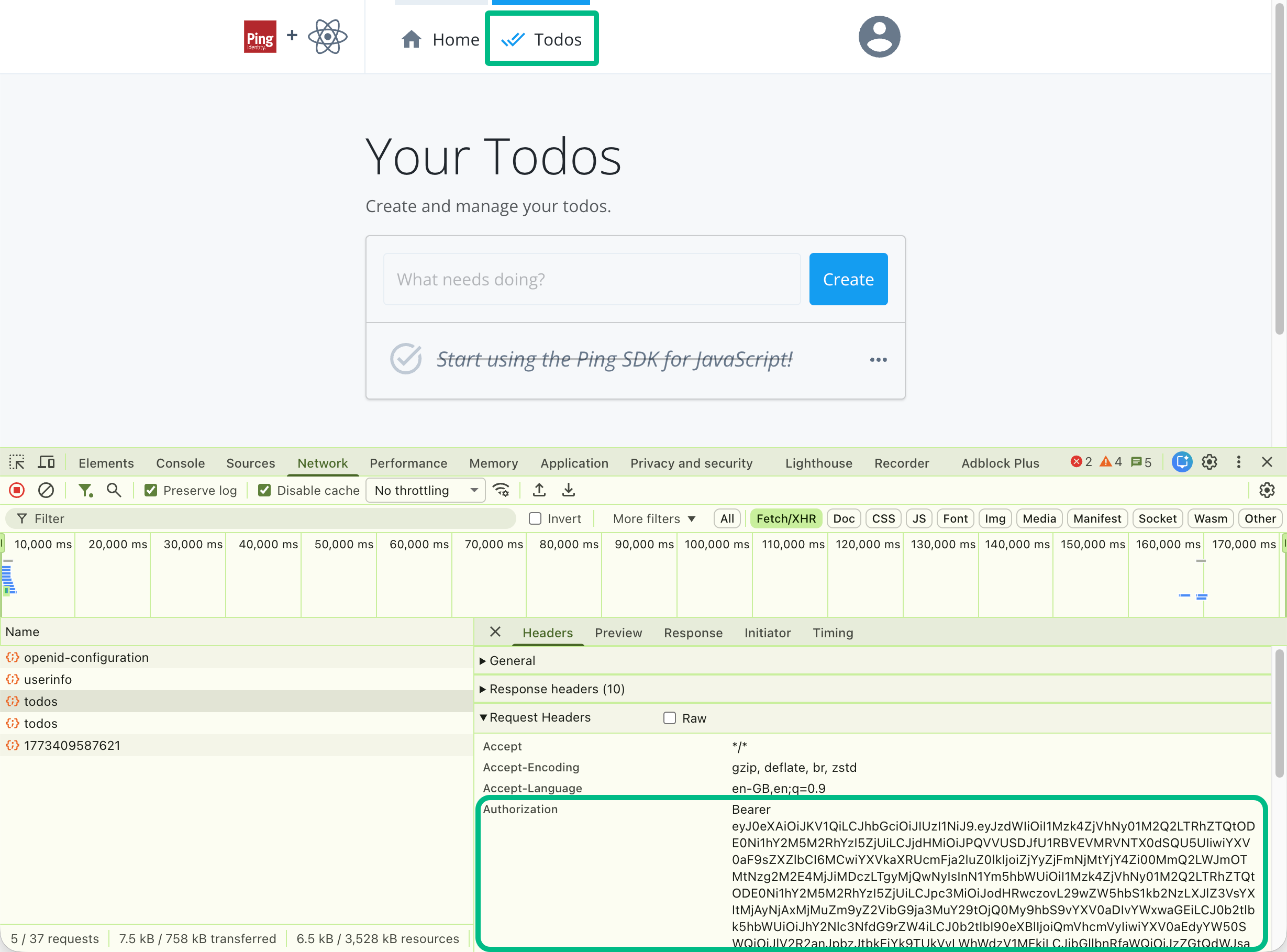 Figure 3. Screenshot of the todo page and console output showing the bearer token.
 -
Optionally, create "Todo" items, and mark them as completed, to test the connection to the backend TODO API server.
-
Click the user icon, and then click Sign out.
 Figure 4. Screenshot of logout page with spinner
The app revokes the access token and removes the session cookies from storage. You’ll see network calls to the
revokeandendSessionendpoints in the developer console in your browser.
Troubleshooting
If the home page doesn’t render due to errors, here are a few tips:
-
Visit the TODO API server URL at
http://localhost:9443/healthcheckin the same browser you use for the ReactJS app to test the API backend is running.The API backend should respond with
Ok. -
Look for error output in the terminal that is running the
npm run start:reactjs-todo-oidccommand. -
Ensure you are not already logged into PingOne in the same browser as the sample app; log out if you are, or use a different browser to test the app.