Introducing Social Sign-on
PingOne Advanced Identity Cloud PingAM Android iOS JavaScript React Native
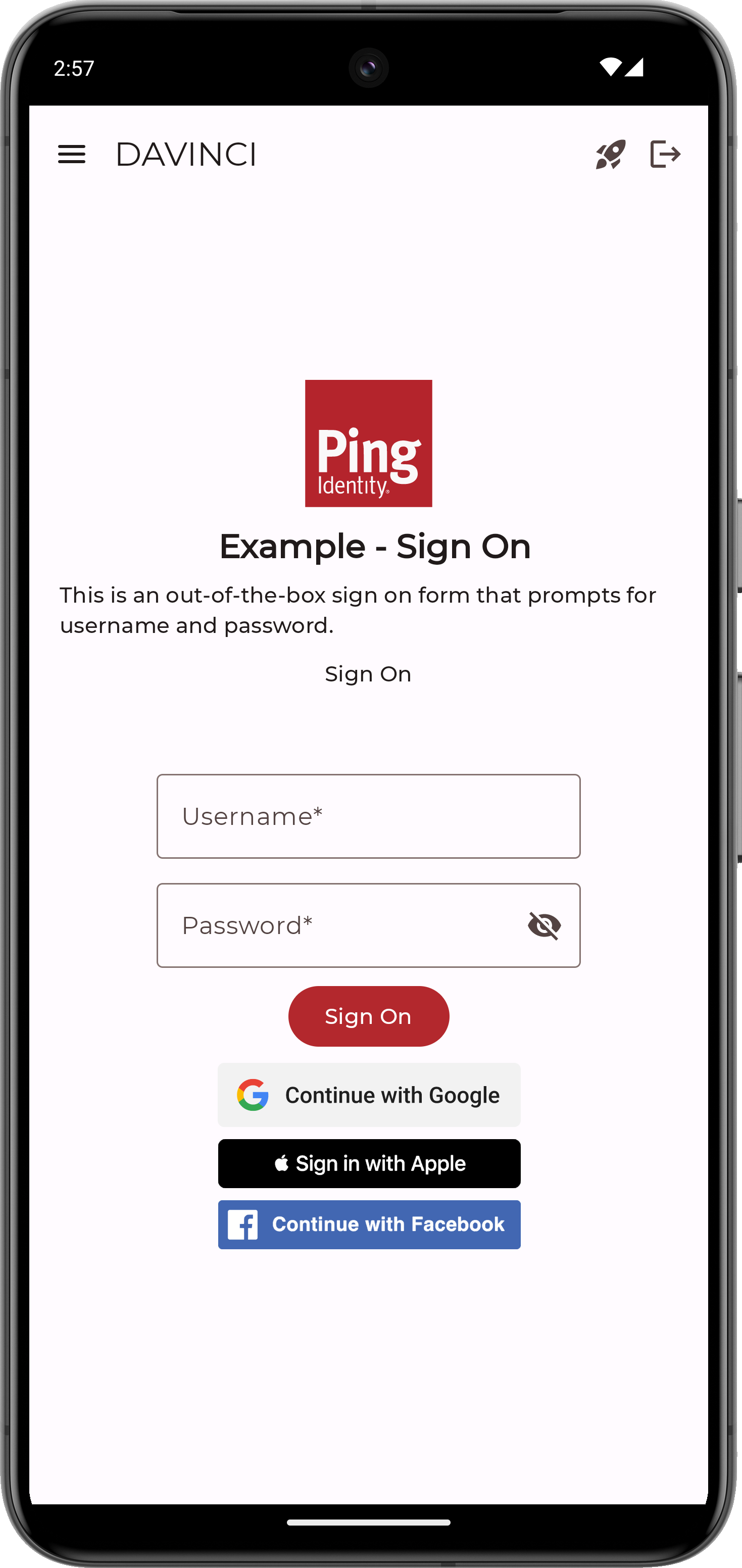
The Orchestration SDKs support trusted Identity Providers (IdPs), like Apple, Facebook, Google, and many others, providing authentication and identity verification on behalf of Ping Identity.
This is often referred to as social sign-on or social authentication. These IdPs return the necessary user information for creating or validating accounts on your server.
The user is either redirected from the client application to the IdP’s authorization server, or the client app uses the IdP’s native libraries to embed the authorization experience in the app.
The user authenticates with the IdP and provides the necessary consent required for sharing the information with your identity server.
After your user authenticates to the IdP, control is returned to your server which completes the flow or journey. When complete, your server issues your user a session and they are now authenticated.
It’s common to offer these social login options in addition to traditional authentication with username and password, but you can also use them alone.