Configuring PingOne for PingOne Protect
PingOne Android iOS JavaScript React Native
In this step, you set up your PingOne server to perform risk evaluations.
To prepare your PingOne server to perform risk evaluations, complete the following steps:
Configuring a PingOne Protect risk policy
Risk policies determine how the various risk predictors are combined and how the aggregated risk score should be translated into a final risk level of low, medium, or high.
PingOne provides a builtin risk policy that you can use as-is. You can also edit the default policy, or create your own.
Learn more in the PingOne documentation:
You’ll need to use the ID of your risk policy in the next step, Adding PingOne Protect risk evaluations to DaVinci flows.
Adding PingOne Protect risk evaluations to DaVinci flows
You can now add risk evaluations to different types of flows, such as sign-on with MFA or passwordless sign-on.
The DaVinci Client supports the following DaVinci flow configurations:
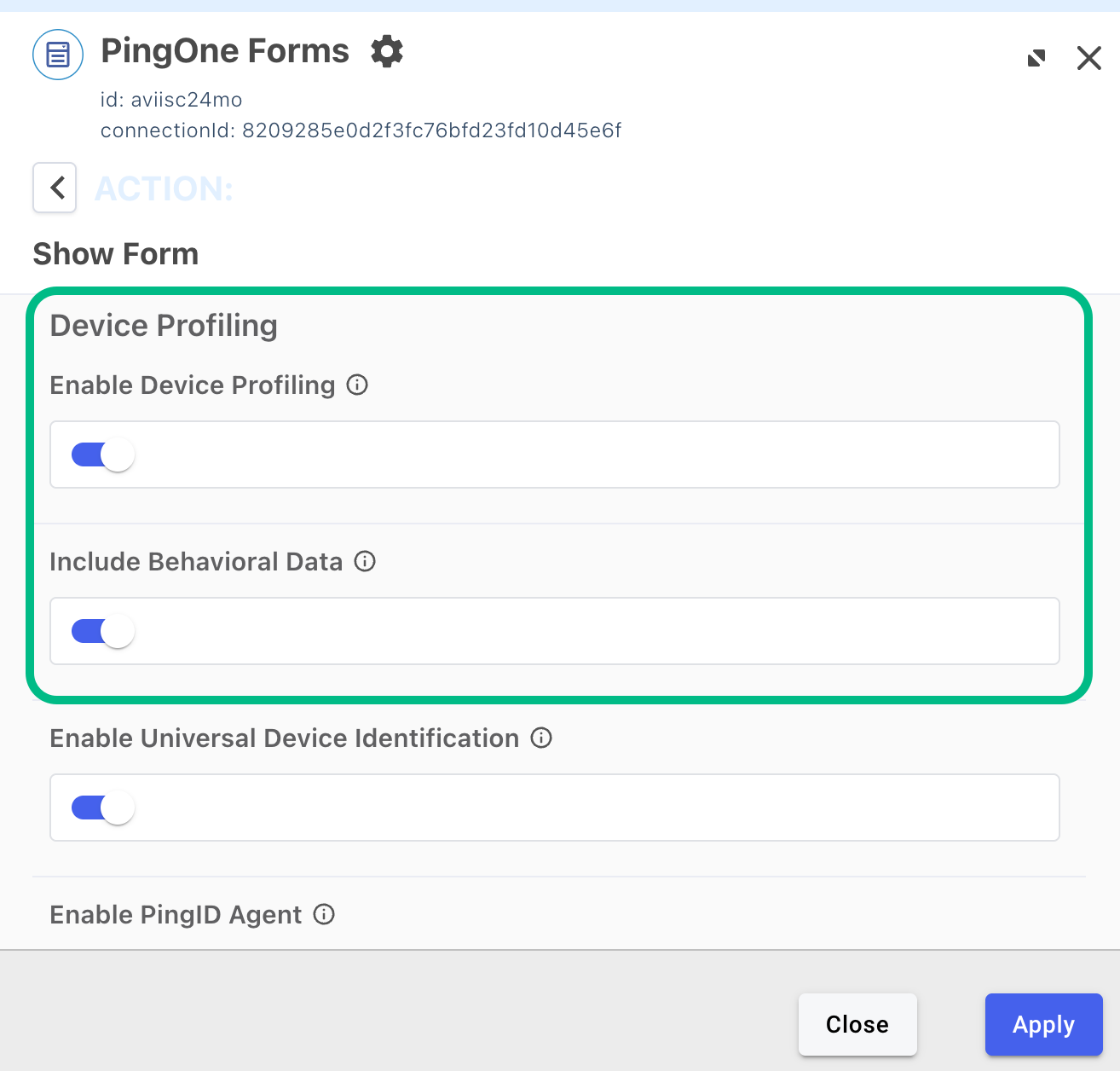
- PingOne Forms connector properties
-
Enable the Enable Device Profiling and Include Behavioral Data properties.
- HTTP connector
-
Add the
skriskcomponent to your custom HTML template.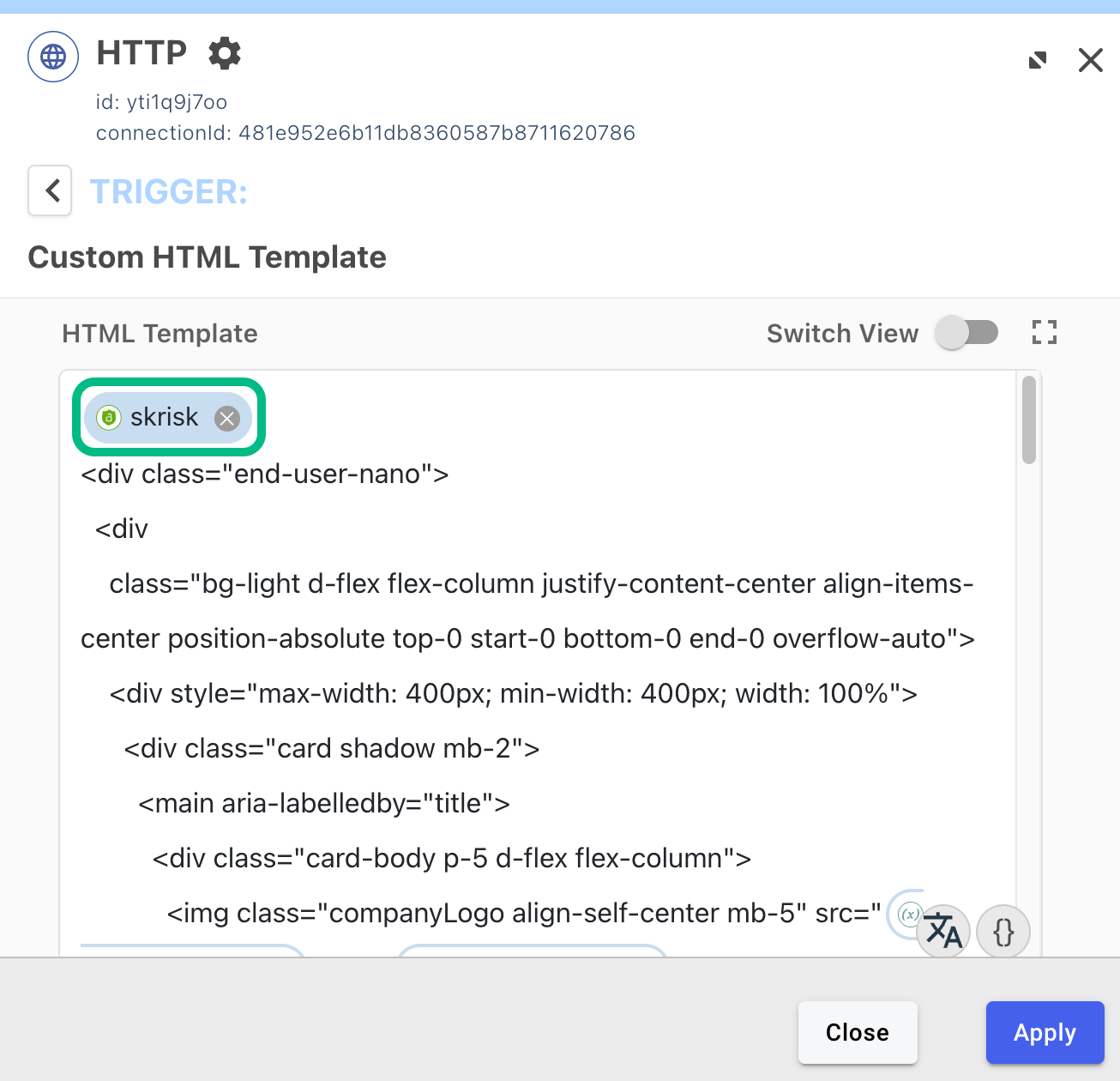
Learn more about how to configure and add these connectors to your DaVinci flows: