Orchestration SDKs

Try out the Journey module for iOS

PingOne Advanced Identity Cloud PingAM iOS


In this quick start tutorial you configure the swiftui-journey-module sample application to connect to your PingOne Advanced Identity Cloud tenant or PingAM server to authenticate a user.

The sample supports many of the callbacks used by authentication journeys in Advanced Identity Cloud and PingAM, including advanced use cases such as Device Binding, FIDO authentication, external IdP integration, and PingOne Protect.

What does the swiftui-journey-module sample support?
Feature Supported by sample

Orchestration

  • Advanced Identity Cloud/PingAM - Journeys

Implementation

  • Embedded

Language

  • SwiftUI

Callbacks

  • BooleanAttributeInputCallback

  • ChoiceCallback

  • ConfirmationCallback

  • ConsentMappingCallback

  • DeviceBindingCallback

  • DeviceProfileCallback

  • DeviceSigningVerifierCallback

  • FidoAuthenticationCallback

  • FidoRegistrationCallback

  • IdPCallback

  • KbaCreateCallback

  • NameCallback

  • NumberAttributeInputCallback

  • PasswordCallback

  • PingOneProtectEvaluationCallback

  • PingOneProtectInitializeCallback

  • PollingWaitCallback

  • RecaptchaEnterpriseCallback

  • SelectIdpCallback

  • StringAttributeInputCallback

  • TermsAndConditionsCallback

  • TextInputCallback

  • TextOutputCallback

  • ValidatedCreatePasswordCallback

  • ValidatedCreateUsernameCallback

Integrations

  • PingOne Protect

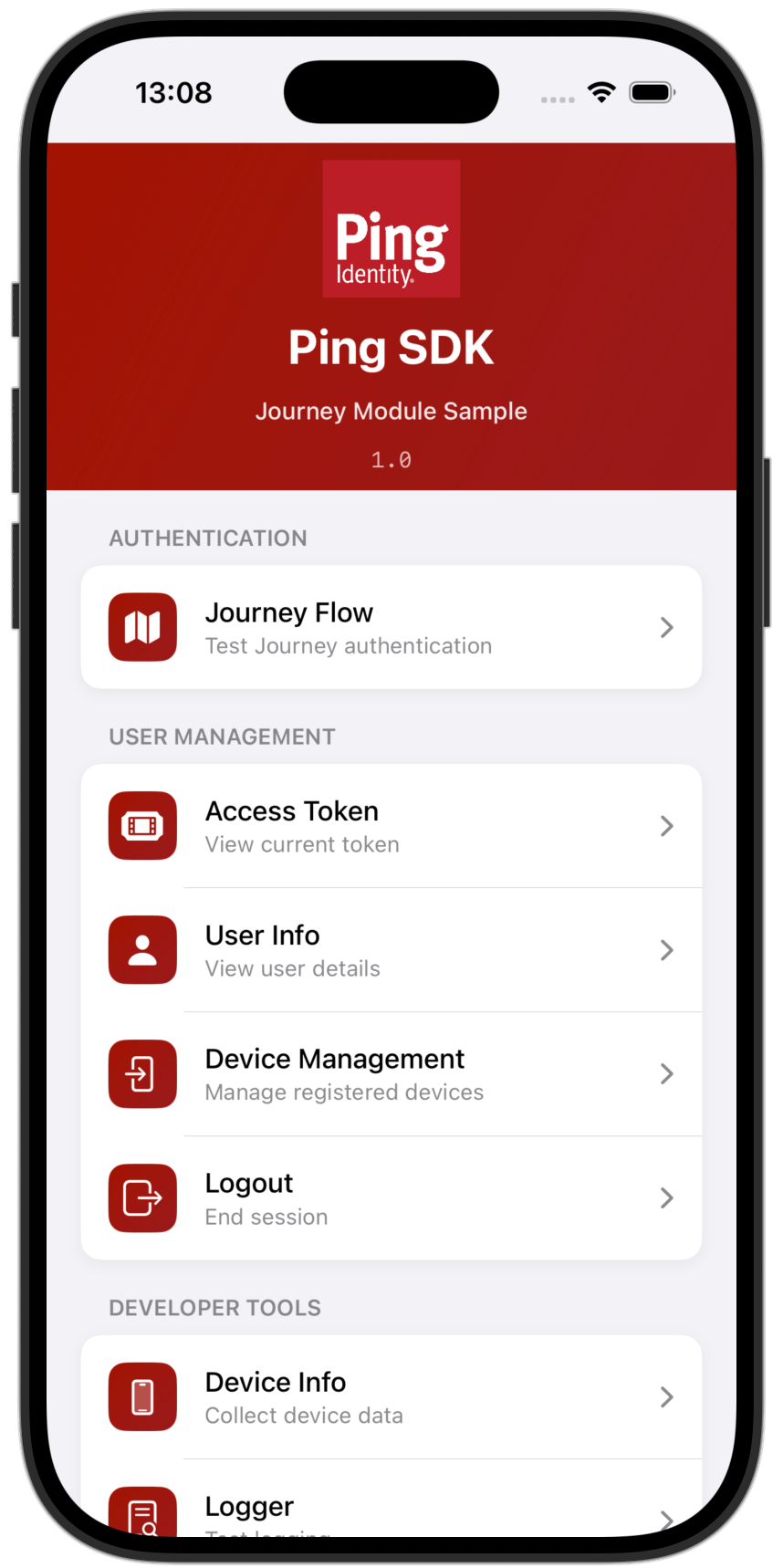
swiftui journey menu
Figure 1. Starting the "swiftui-journey-module" app in an iOS simulator

Before you begin

Before you begin this tutorial ensure you have set up your PingOne Advanced Identity Cloud tenant or PingAM server with the required configuration.

For example, you will need an OAuth 2.0 client application set up, as well as an authentication journey for the app to navigate.

Step 1. Download the samples

To start this tutorial, you need to download the SDK sample apps repo, which contains the projects you will use.

Step 2. Configure connection properties

In this step, you configure the "swiftui-journey-module" sample app to complete an authentication journey in PingOne Advanced Identity Cloud or PingAM.

Step 3. Test the app

In this step, you will test your application.

You run it in the emulator or on your iOS device, perform authentication with a demo user, and then sign out.