Trying the DaVinci module sample app for iOS
PingOne iOS
This tutorial walks you through updating the provided swiftui-davinci sample app so that it connects to a PingOne tenant to authenticate a user using the PingOne sign-on with sessions DaVinci flow.
This flow allows users to register, authenticate, and verify their email address with PingOne.
What functionality does the swiftui-davinci sample demonstrate?
| Feature | Supported by sample |
|---|---|
Orchestration |
|
Implementation |
|
Language |
|
DaVinci Fields |
|
DaVinci Buttons |
|
The swiftui-davinci application is a modern iOS client built with Swift and SwiftUI.
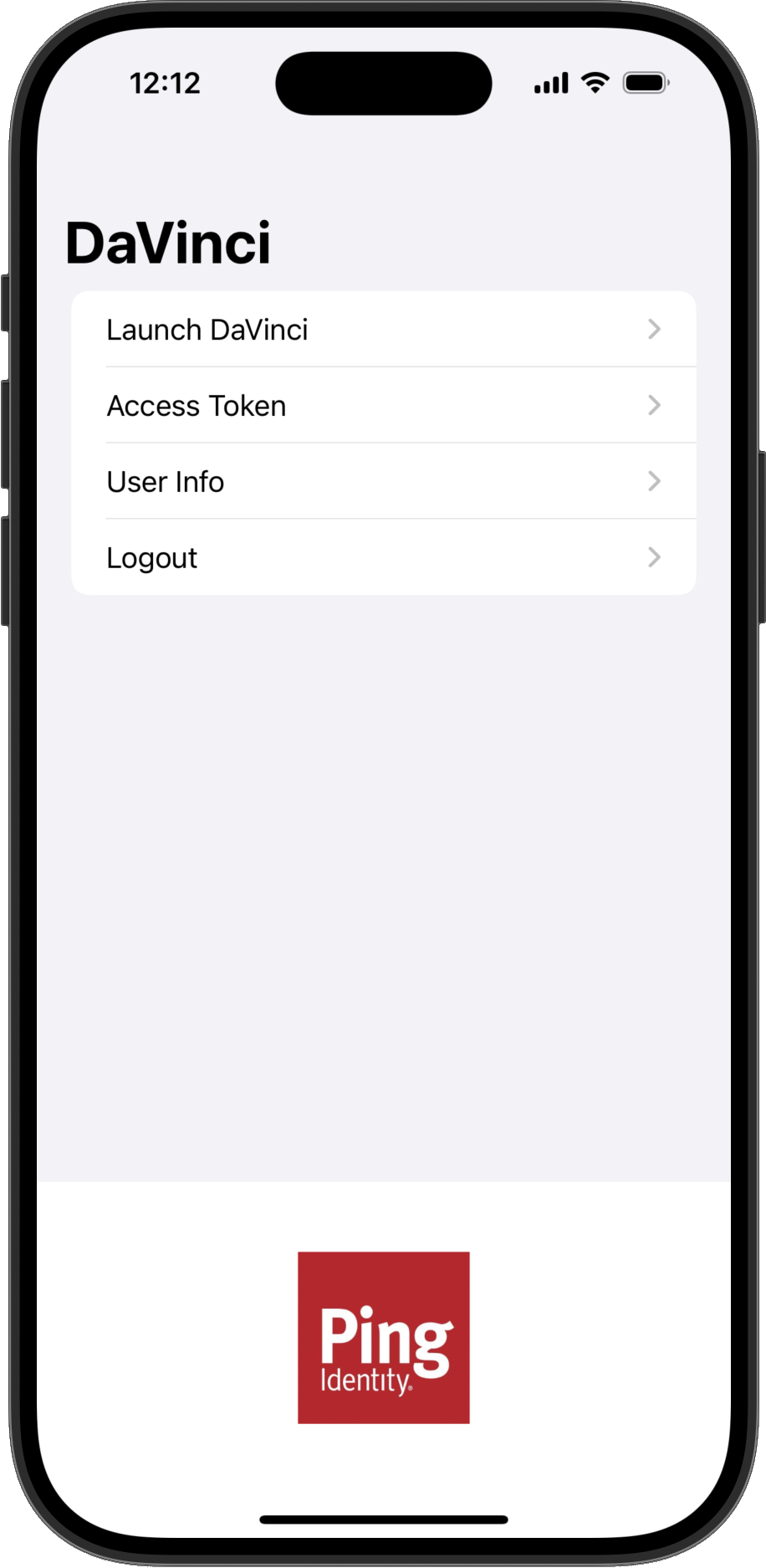
It’s designed to demonstrate a core capability of the DaVinci module for iOS: rendering a dynamic user interface based on collectors received from a DaVinci flow.
Instead of having a hardcoded login screen, the app initiates a DaVinci flow and waits for the server to send collectors, which describe the required data. It then constructs the UI on-the-fly, whether it’s a username and password form, a message, or other interactive elements defined in your DaVinci flow.
The application’s code showcases several important implementation patterns for integrating with DaVinci using modern iOS development practices:
1. Dynamic UI Rendering with SwiftUI
The app uses SwiftUI to build its user interface declaratively. The core rendering logic resides in ContentView.swift.
-
It observes a state object from the
DavinciViewModel. -
It uses a
switchstatement to react to the current state of the DaVinci flow, either.loading,.loaded, or.success). -
For the
.loadedstate, it iterates through an array of collectors returned by the DaVinci flow and renders the appropriate SwiftUI View for each one.This is the dynamic part—if you change the DaVinci flow on the server, the UI will change without needing to recompile the app.
2. State Management with Combine and ViewModel
The application follows the recommended MVVM (Model-View-ViewModel) architecture by separating UI logic from business logic.
-
DavinciViewModel.swiftis responsible for interactions with the DaVinci module for iOS. -
It uses
@Published propertiesfrom the Combine framework to hold the current state of the DaVinci flow, such asflowStateandinputs. The SwiftUIViewsubscribes to these properties and automatically updates whenever their values change.This decouples the SDK interaction from the UI, making the code cleaner and easier to manage.
3. SDK Initialization and Configuration
The app demonstrates how to initialize and configure the SDK to connect to your specific PingOne and DaVinci environment.
-
Provide the necessary DaVinci module configuration
-
Start the DaVinci flow by calling the
start()method.
4. Handling User Input and Flow Progression
The sample shows how to collect data from the dynamically rendered input fields, bind it to a dictionary in the ViewModel, and submit it back to DaVinci.
This is the mechanism for advancing the flow after a user provides their credentials or makes a choice.