Step 3. Authenticating with external IdPs
PingOne Android
Your app must handle the relevant node types your server returns when a user attempts to authenticate using an external IdP.
When encountering the IdpCollector, call authorize() to begin authentication with the external IdP:
var node = daVinci.start()

if (node is ContinueNode) {
    node.collectors.forEach { collector ->
        if (collector is IdpCollector) {
            val idp = collector
            val redirectUri = "myapp://callback".toUri()
            when (val result = idp.authorize(redirectUri)) {
                is Success -> {
                    // Authentication successful, proceed to the next step in the DaVinci flow
                    node = node.next()
                    // Process the next node
                }
                is Failure -> {
                    // Authentication failed, handle the error
                    val error: Throwable = result.error
                    // Log or display the error message
                }
            }
            return // Assuming only one IdpCollector per node
        }
    }
}
The authorize() method returns a Success result when authentication with the external IdP completes successfully. If not, it returns Failure and Throwable which shows the root cause of the issue.
val result = idp.authorize()

result.onSuccess {
    // Move to next Node
}
result.onFailure {
    it // The Throwable
}
The result resembles the following:
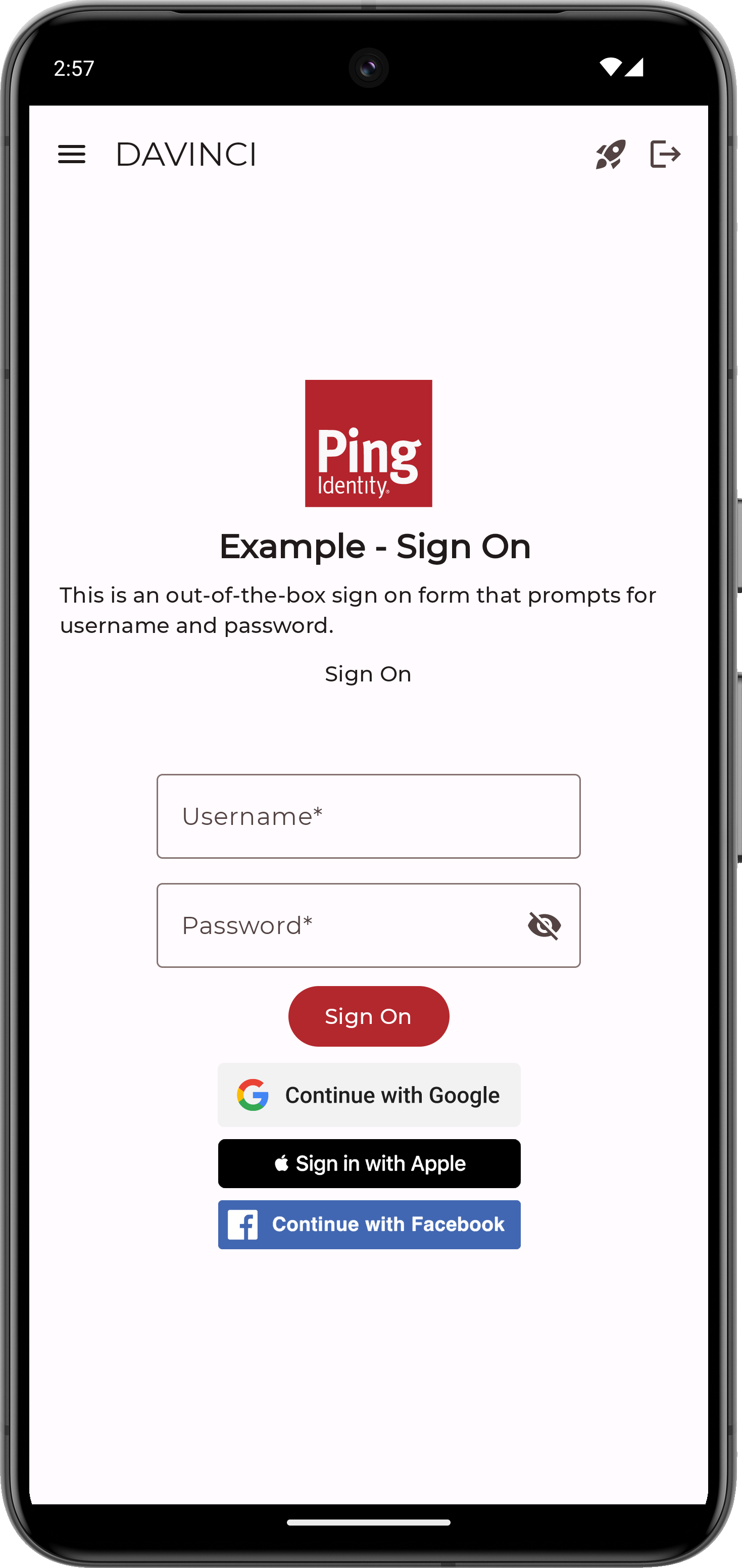
Figure 1. An Android app with three external IdP options: Apple, Facebook, and Google.